
Run the SecureDelete.exe file.
Select a File
-Click the Select File to Delete button.
-Browse and choose the file you wish to destroy.
Wait for the “Success” message indicating the file has been permanently removed.
Warning:
Files deleted with this program CANNOT be recovered. Use with caution.
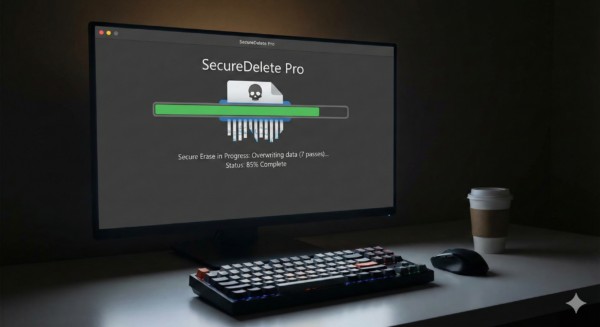
Software
Secure-Delete
2 $
& Free ShippingSystem Requirements:
– Operating System: Windows 7, 8, 10, 11
– Processor: 1 GHz or faster
– RAM: 512 MB or more
– Disk Space: 10 MB for the program
– Permissions: Administrator privileges may be required for deleting certain system or protected files.



Reviews
There are no reviews yet.